The locator knows the name, we see the building
Imagery cannot read a fascia. A locator or a press release says who is trading. The pass says a building appeared or grew.
A quarterly pass over a named competitor's stores, set against the last one, with a change log of what opened, grew or went quiet.
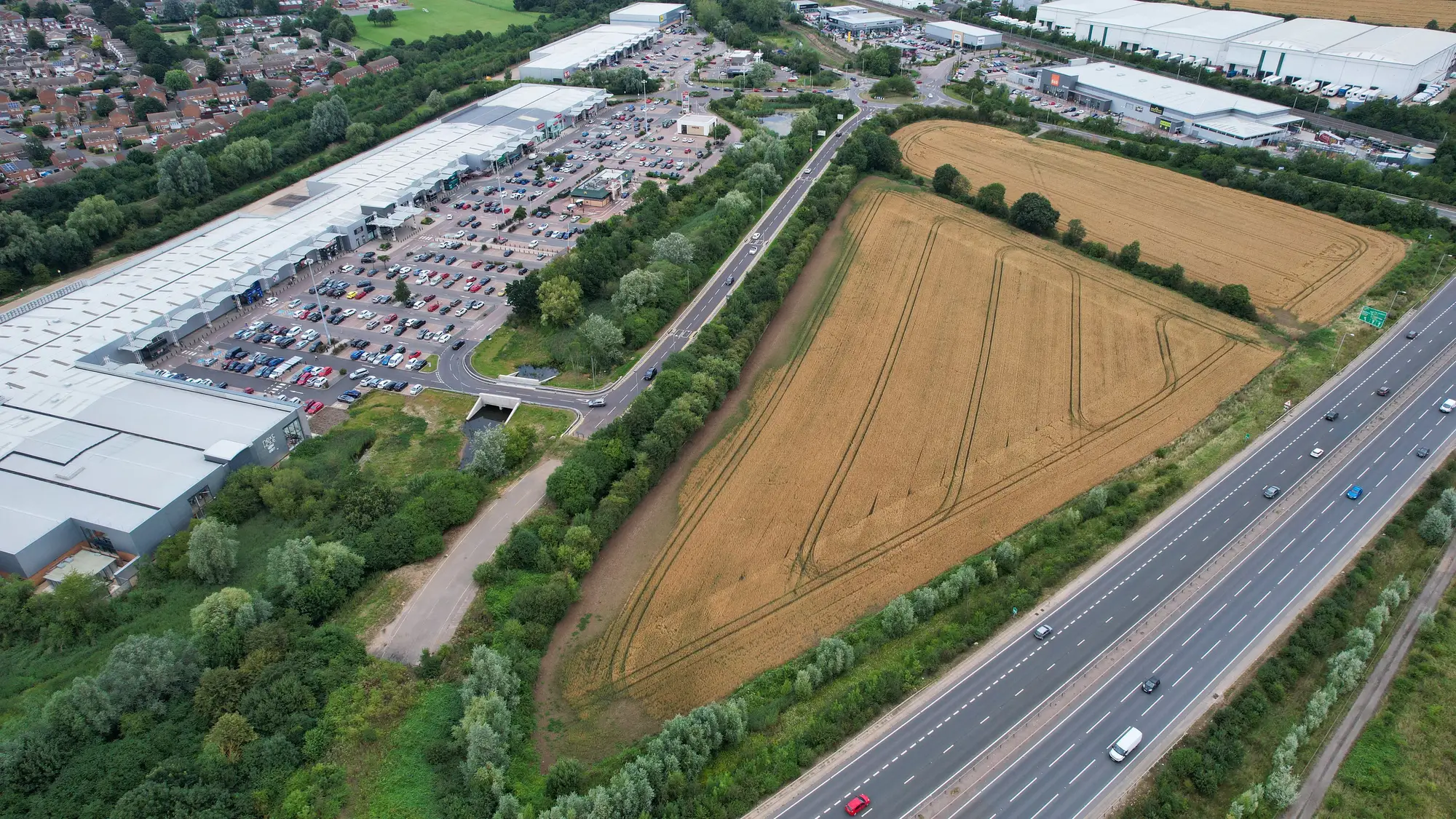
The job today
A competitor's store locator tells you about a store once the fascia is up and the doors are open. The trade press tells you when the chain chooses to announce it. By then the site has been through its fit-out, and the review you are preparing is arguing over a catchment that changed a while ago.
So someone scrapes the locator, diffs it against last quarter's file and rings round to explain the gaps. You come away with a list of addresses. You rarely get a footprint, and you never get the store that simply grew.
It shows up on the locator when it trades, or in the trade press when the chain announces it.
It shows up as a new building in the quarterly pass, while it is being built.
An address from the locator or a planning application, geocoded by hand, with the odd site you cannot place.
A location for each change, taken from the imagery itself.
Nothing, or a guess from the press release and the street view.
An approximate footprint for every new or extended store, in square metres.
Invisible. An extension to a standing store does not change the locator entry or the address.
Flagged as extended, against the footprint at the last pass.
The locator entry disappears some time after the shutters go down, if anyone notices the gap.
Flagged as closed when the last pass shows no visible activity at the store. You check it by hand.
Retyping from the scrape and the press read into your spreadsheet.
A dated change log and a CSV you load into the same estate file.
Reading what each move means for your catchments, the overlap with your own stores, and the response.
What you get
The list of what changed since the last pass, one entry per store, dated. It replaces the locator diff from the first three rows of the comparison.
Where each change is and roughly how big the building is. This is what the locator and the press release leave out.
The estate and its changes drawn on a map, to drop over your own stores and catchments.
The same change log as a flat file for your model or estate spreadsheet.
Tell us which competitor, or which region of its estate, you want watched. A starting list of its stores helps. We do not go looking for competitors you have not named.
The first quarter fixes where the stores stand and how big each one is. Changes are measured from there.
High-res RGB imagery is taken over the estate again and set against the last pass.
New builds, extensions and closed flags come back with location and approximate footprint, ready for your quarterly review.
Imagery cannot read a fascia. A locator or a press release says who is trading. The pass says a building appeared or grew.
A store built and opened inside one quarter may only show in the next pass. A build that began after a pass shows at the next one. Nothing here is a real-time alert.
A closed flag means no visible activity at the last pass. It cannot tell a closure from a refit or a temporary shutdown. Check each one by hand.
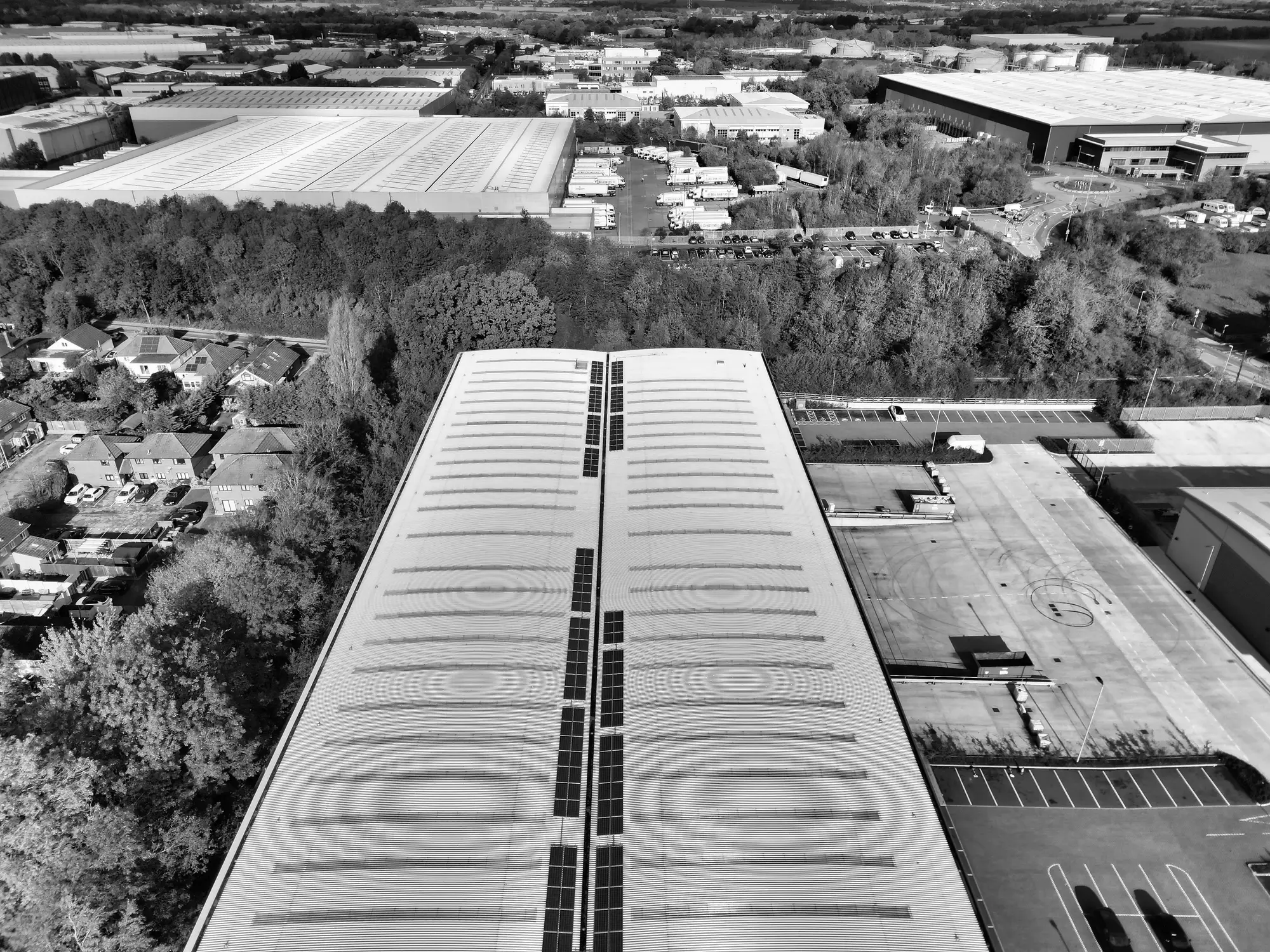
At a pixel of 0.5 to 2 m, a supermarket, a retail park unit or a standalone store shows as a building you can measure. A single shop unit inside a terrace, or a unit inside a shopping centre, cannot be separated from its neighbours.
From above you see the building outline. Storeys, mezzanines and interior refits do not show, and a rebrand on a standing building does not show either.
A quarter with no usable clear pass rolls the check to the next one.
Optical imagery sees physical change. It does not read sales, footfall, staffing or branding.
FAQ
For expansion signal, yes: it takes its place in the quarterly update. The locator is still where you read a trading name and opening hours.
Pick a competitor estate where you know what opened and extended recently. Send us the estate and compare our change log with your file.
No. You name the estate or region you want tracked. There is no open-ended discovery of competitors.
Changes are found against the prior quarter's pass. Something built and opened within one quarter may only show up in the next.
Not reliably. A closed flag means no visible activity at the last pass. It is worth a manual check.
No. Optical imagery sees physical construction change only.
The change log comes as a CSV and as a map layer. We don't write into your systems.
Ownership and licence terms are agreed in writing when you get started. If your legal team needs them earlier, ask.
The price depends on the size of the estate you track and where it is. Tell us which estate and we'll scope it from there.
Name the competitor and the region. We'll tell you what a quarterly pass would show you.
Get started